Select synchronization elements
This topic describes how to select the elements to synchronize.
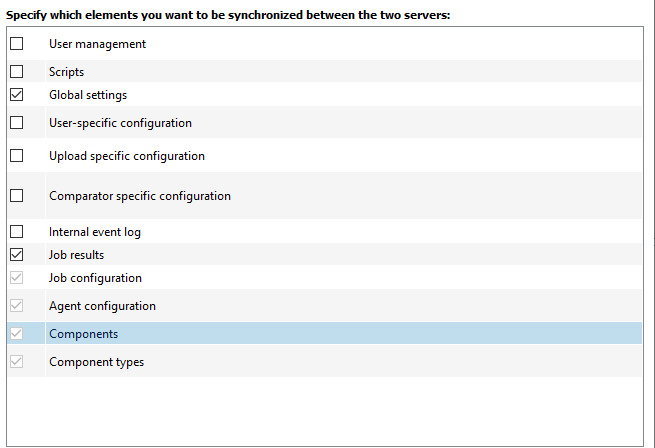
Some elements can be synchronized only together. If you select the checkbox for one of these elements, the other checkboxes are also selected and grayed out.
Examples:
- If you select the Components checkbox, the Component types checkbox is also selected.
- The Job results element can be synchronized only together with the Job configuration, Agent configuration, Components, and Component types elements.
Info
When synchronizing the Job configuration, note the following: If a job is to be executed on only one of the synchronized servers, the corresponding server must be selected in the Executed by dropdown menu. If Automatic is selected, the job is executed by both servers after synchronization.