Configure comparisons for MITSUBISHI MELSOFT GX Works2
For MELSOFT GX Works2 projects, you can specify a user and password to enable access during the comparison process.
-
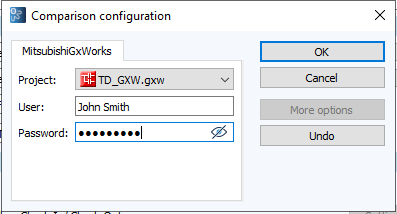
Open the Comparison configuration dialog.
-
If there are several projects in a component, select the corresponding project from the dropdown menu.
- In the User and Password fields, enter your user credentials.
- Select OK to confirm.
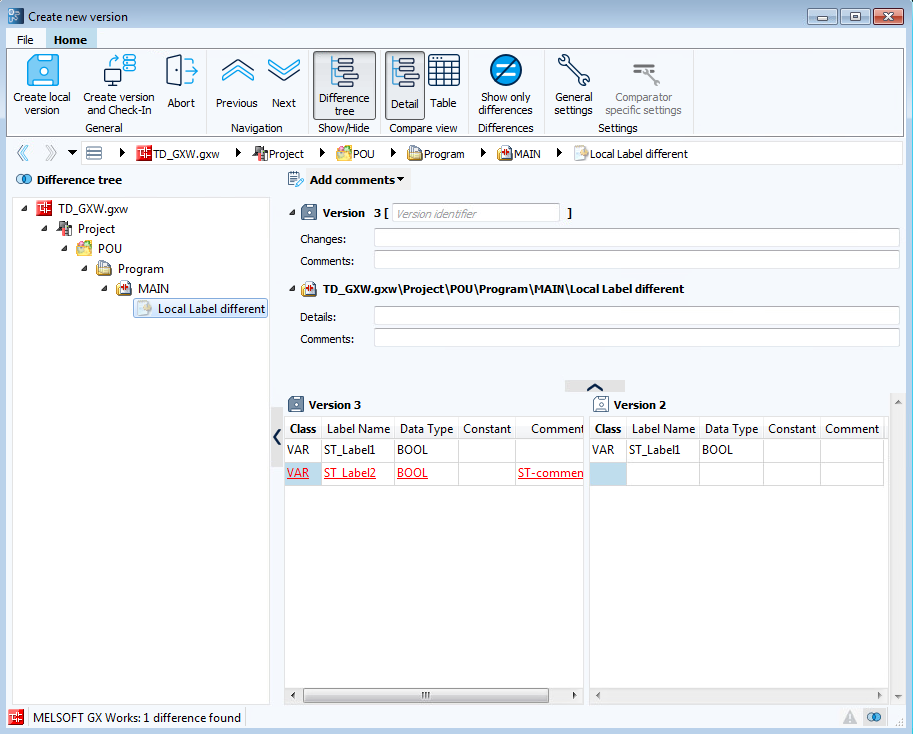
When you create a new version, the changes are displayed as follows:
Example:
Related topics