Octoplant hub administration
Info
To perform the following Octoplant hub functions, you must have administrative rights.
Quick reference
- Download the
octoplant_hub.zipfile from the myAMDT portal. - Install the Octoplant hub by running the
octoplanthub.exefile and following the setup wizard. - Open a web browser and enter the URL for the Octoplant hub:
https://{Servername}:443 -
On the login screen, sign in using valid user credentials.
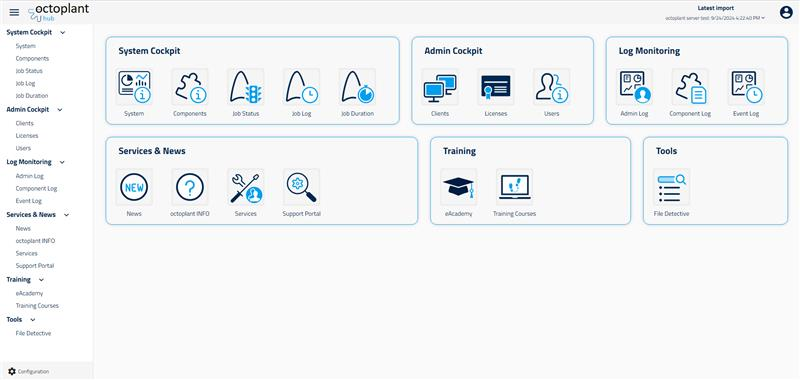
-
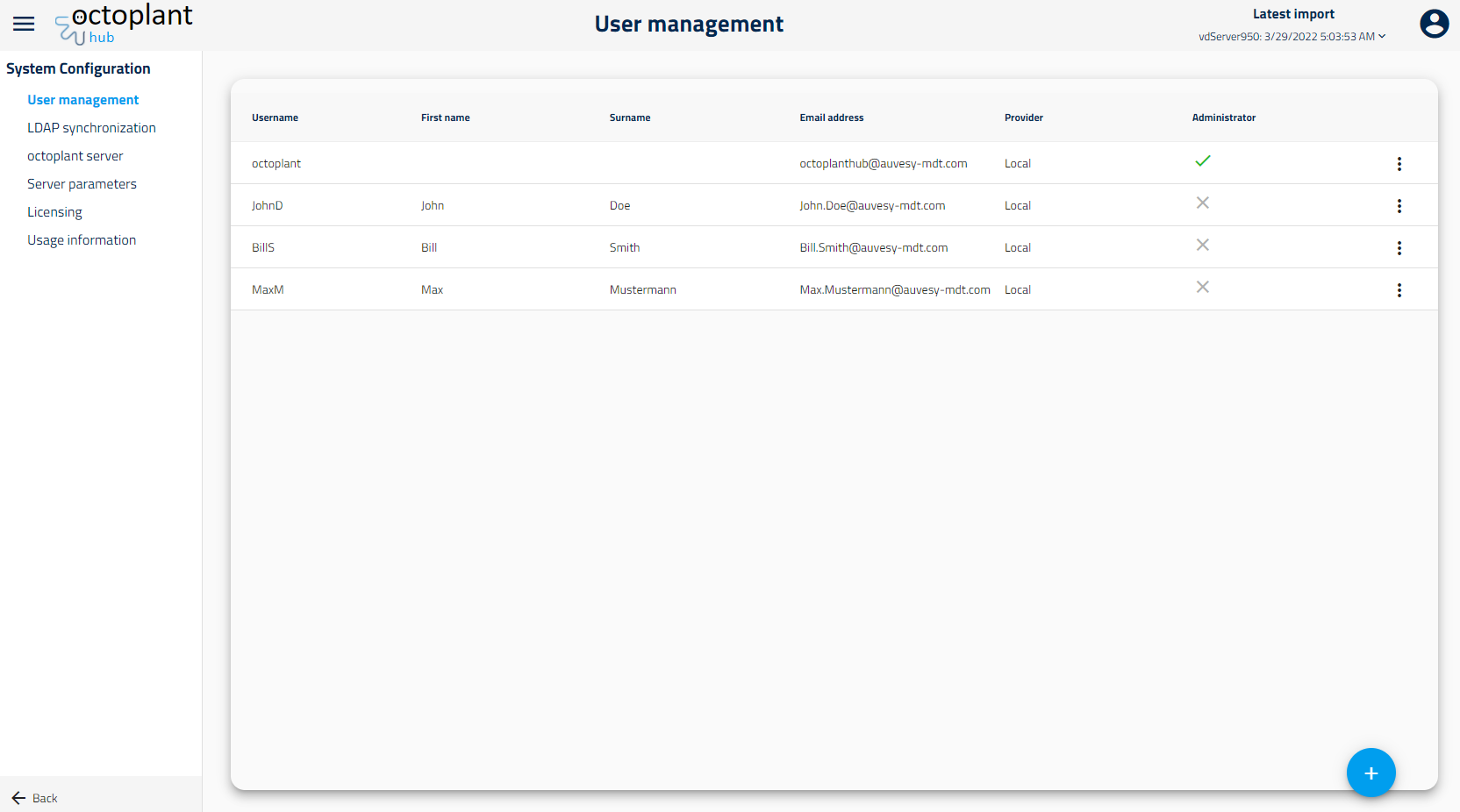
At the bottom of the interface, select the Configuration button.
Related topics