Use Schneider Security Editor
The Schneider Security Editor is required to set up additional security while performing uploads and comparisons with versiondog for Schneider EcoStruxure Control Expert.
Before performing uploads and comparisons, make sure that your user account has the necessary rights in the Schneider Security Editor.
- In the Schneider Security editor editor, open the Policies tab and enable Security options with login.
- After enabling login security, go to the Users and User Information tabs to create or select a Username.
- Assign a password and grant the necessary rights to Schneider EcoStruxure Control Expert functions under Profile(s) in the Users tab.
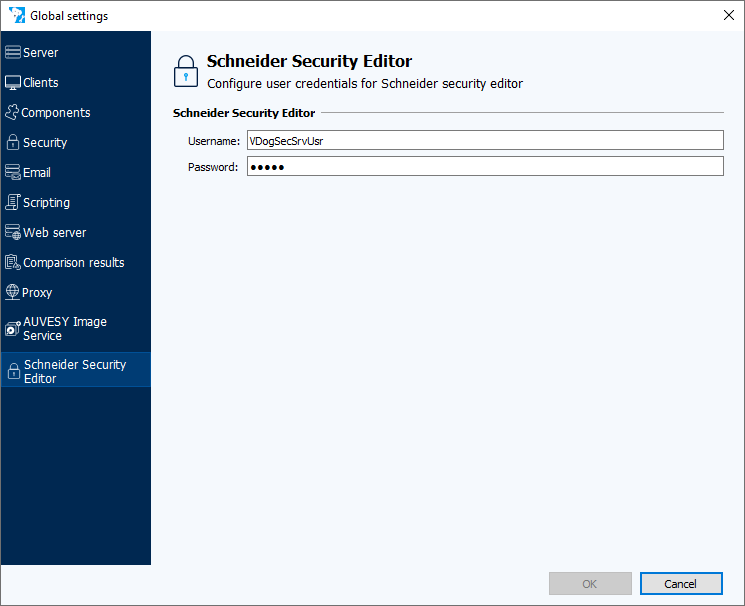
In the AdminClient, in the Global settings module, you can store the login data for the Schneider Security editor.
-
Select the Schneider Security editor tab.
-
Enter your Username and Password.
- Select OK to confirm.
Info
For detailed configuration instructions specific to the Schneider Security Editor, consult the official Schneider Electric documentation.
Related topics